Comparisons
Loom vs TeachSlides: quick videos or full lessons?
Loom is the fastest way to send a quick video. TeachSlides is for the lesson itself. Most teachers need one of each job done; here’s which tool fits which.
In short: use Loom for quick explanations and feedback you want to share as a link in seconds. Use TeachSlides for full lessons built from slides, when you want a finished, captioned video (or a live class) without editing, on Windows, Mac or Linux.
The two overlap less than they seem. Loom records whatever is on your screen and hosts it; TeachSlides runs the lesson, slide by slide, and gives you the finished file. This guide compares them for teachers, tutors and coaching institutes.
TeachSlides is our app. Loom is excellent at what it does, and we say so below.
The short answer
- Feedback on student workLoomRecord, stop, paste the link. Students can comment.
- A full lesson from your slidesTeachSlidesLayouts, notes and cuts come from each slide; no time limit on Pro.
- Chromebook or phoneLoomTeachSlides is a desktop app for Windows, Mac and Linux.
- Live classes as well as videosTeachSlidesGo live, or appear in Zoom, Meet and Teams.
Loom vs TeachSlides at a glance
Scroll sideways to see every column
| Tool | Best for | Works on | Free plan | Paid | Slides | Captions | Recordings live | Live teaching |
|---|---|---|---|---|---|---|---|---|
| TeachSlides | Slide lessons, courses, live classes | Windows, Mac, Linux | Every feature, 25 videos up to 5 min, watermark, 1080p | $149 once | Designer, PowerPoint import, AI planning | Yes: 16 styles, 99 languages, on device | Your own computer | Yes: Go live, Zoom/Meet/Teams, projector |
| Loom | Feedback, walkthroughs, announcements | Chrome, Windows, Mac, iOS, Android | 25 videos, 5 min, 720p | From $15/creator/mo (annual) | Record over a deck in another app | Yes, automatic | Loom’s cloud, shared by link | No |
Feature by feature
Scroll sideways to see every column
| Feature | Loom | TeachSlides |
|---|---|---|
| Free recording length | 5 minutes (Starter) | No limit |
| Make or import slides | No: record a deck from another app | Yes: designer, PowerPoint and PDF import, AI planning |
| Notes and teleprompter | No | Yes, per slide, off camera |
| Camera layout | Bubble over your screen | Per slide: bubble, side by side, full screen, hidden |
| Writing on screen | Drawing in the desktop app (paid and education plans) | Pens, whiteboard pages, tablet as a pen |
| Captions | Automatic | Automatic, 16 styles, 99 languages, on your computer |
| Remove filler words | With Loom’s paid AI features | Yes, on your computer |
| Vertical Shorts and Reels | No | Yes, from the same take |
| Share link and comments | Yes | No: MP4 or YouTube upload |
| Live streaming and video calls | No | Yes |
| Where videos are kept | Loom’s cloud | Your computer |
| Price | Free plan; Business from $15/creator/mo | Free version; Pro $149 once |
TeachSlidesBest for full lessons from slides, recorded or live
This is our app. We’ve described its limits as plainly as everyone else’s.
- Platforms
- Windows 10 and 11, Mac with Apple chip, Linux 64-bit (desktop app)
- Free plan
- Every feature, up to 25 videos of up to 5 minutes, with a small watermark and exports up to 1080p
- Price
- Pro $149 once, no subscription
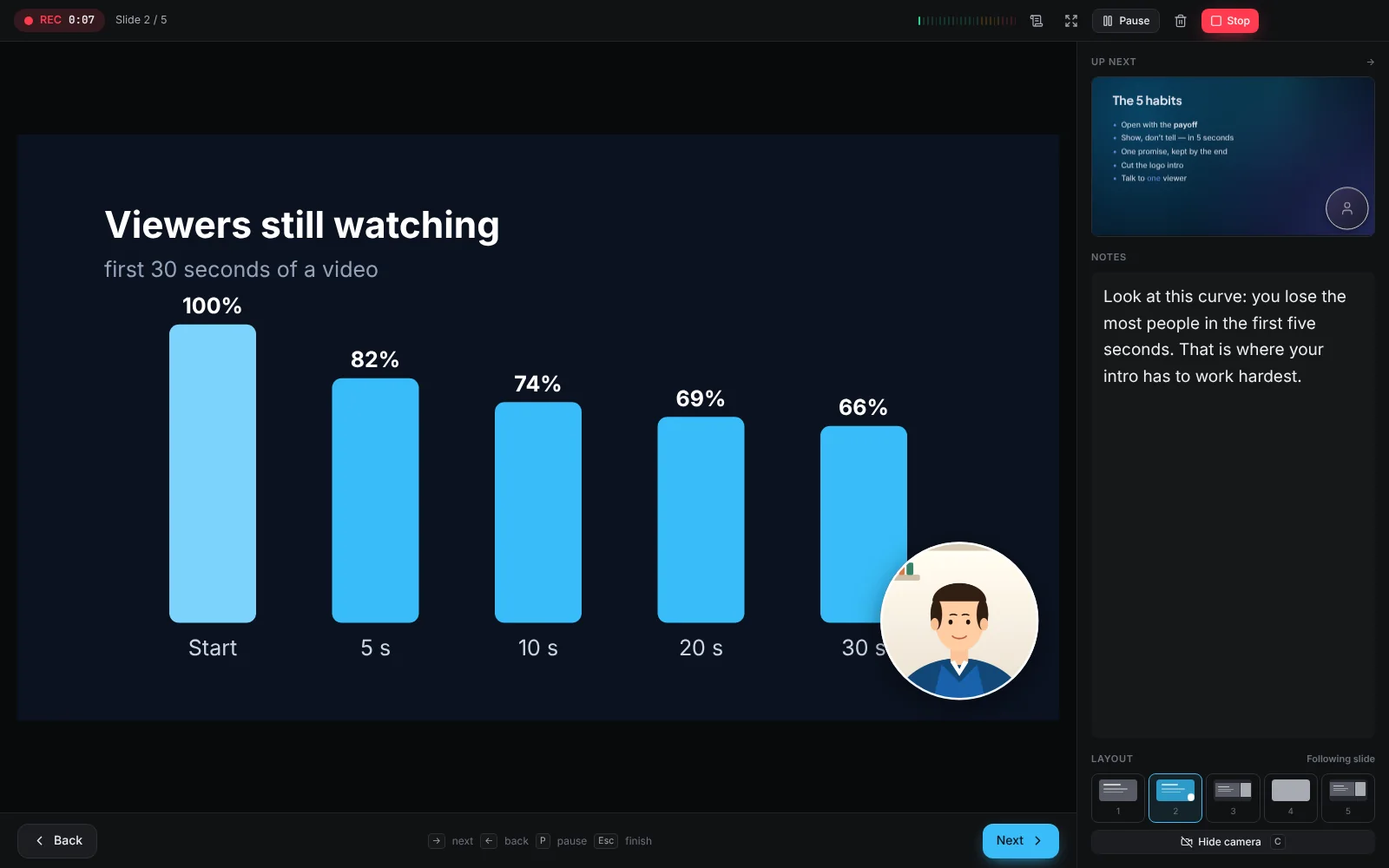
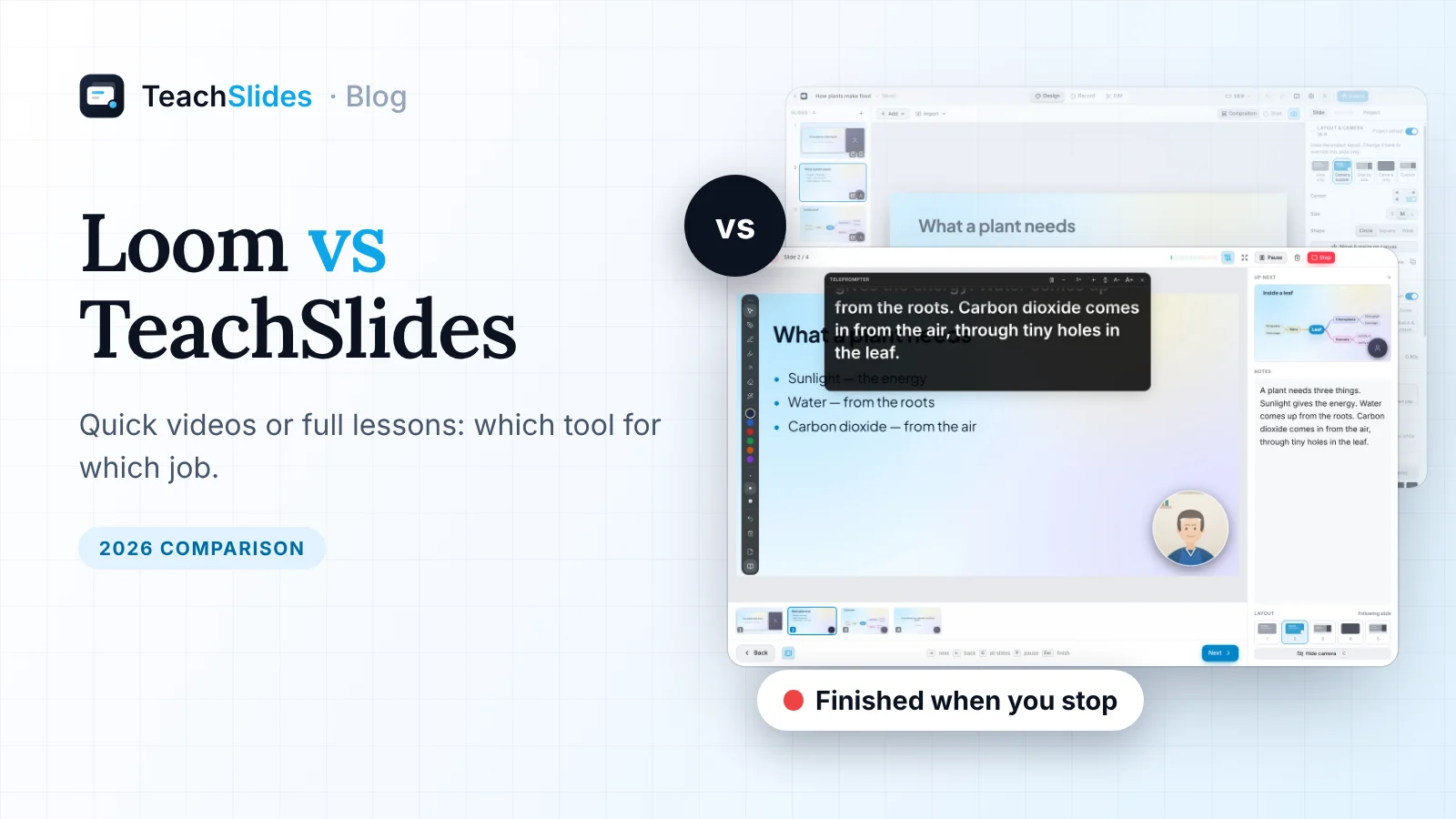
TeachSlides is built for the lesson itself rather than the quick reply. You plan it with AI or import your PowerPoint as editable slides, then present it on camera. Each slide brings its own camera layout, notes and teleprompter script, and when you stop, the video is already cut at every slide change.
After that it’s a few clicks: remove filler words, tighten pauses, add captions (made on your computer, in 99 languages) and export a YouTube version, a vertical Short and a square post from the same take. The same lesson can be taught live, too: stream to YouTube, appear in Zoom or Teams as TeachSlides Camera, or put it on the classroom projector.
What it doesn’t do is give you a link the moment you stop. You get an MP4 to upload, or a YouTube upload from the app.
Why teachers like it
- Slides, notes and camera layouts in one app
- A finished, captioned video when you stop, with no time limit on Pro
- Every video shape from one take, up to 4K
- Teach the same lesson live
- One payment; recordings stay on your computer
Watch out for
- Desktop only: no Chromebook, phone or browser version
- No instant share link or viewer comments
- Free videos carry a small watermark
LoomBest for quick explanations and feedback you share as a link
- Platforms
- Chrome extension (including Chromebooks), Windows and Mac apps, iOS and Android
- Free plan
- Starter: 25 videos per person, up to 5 minutes each, up to 720p
- Price
- Business from $15 per creator a month, billed annually ($18 monthly); education discounts for verified teachers
Loom is the quickest way to explain something on video. Click record, talk over your screen with your face in a bubble, and a link is ready to paste into an email, a comment or Google Classroom the moment you stop. Viewers don’t need an account, and they can comment and react on the video.
That’s why teachers love it for feedback on student work, quick walkthroughs of an assignment and short announcements. Transcripts and captions are generated for you, and you can trim or stitch clips afterwards.
It’s less suited to full lessons. On the free Starter plan each recording stops at five minutes and you can keep 25 videos. And because Loom records whatever is on screen, a slide lesson means running PowerPoint or Google Slides yourself, with no notes or layout changes tied to each slide.
Why teachers like it
- A share link the moment you stop
- Viewers need no account, and can comment
- Automatic transcripts and captions
- Runs on Chromebooks, Mac, Windows and phones
Watch out for
- Free plan: 5-minute videos, 25 of them
- A subscription per creator for longer videos
- No slide editor, notes per slide or live streaming
- Videos live in Loom’s cloud
Use both: a simple split
Many teachers end up with both, each for its own job:
- Loom for replies: feedback on a student’s essay, “here’s how to submit the assignment”, a two-minute announcement.
- TeachSlides for lessons: the 10-minute explanation of photosynthesis your students will rewatch before the exam, with captions and a vertical revision Short from the same recording.
Price for a year
Loom’s Business plan is $15 per creator a month billed annually, about $180 a year for one teacher (education discounts can bring it down). TeachSlides Pro is $149 once, and the free version already has every feature.
The bottom line
If most of your videos are short replies you share as links, Loom is the better tool. If most are lessons built from slides, and you’d like them captioned, in every shape and kept on your own computer, choose TeachSlides. If you do both, use both.
Frequently asked questions
Is TeachSlides a good Loom alternative for teachers?
For full lessons from slides on a computer, yes: there’s no recording limit, layouts and notes come from each slide, and you get captions and every video shape from one take. For quick replies shared as links, Loom is still faster.
How long can a free Loom video be?
On Loom’s free Starter plan, each video can be up to 5 minutes and you can keep 25 videos. The TeachSlides free version has the same allowance, 25 videos of up to 5 minutes each, with a small watermark and exports up to 1080p; Pro has no limits.
Can TeachSlides share a link like Loom?
No. TeachSlides gives you an MP4 file or uploads to YouTube from the app; you then share that link. Loom hosts the video and gives a link the moment you stop.
Does Loom work with PowerPoint?
Loom records your screen while you present PowerPoint. TeachSlides imports the .pptx file itself as editable slides, with your speaker notes in the teleprompter.
Sources
Checked in October 2026:
- Loom: pricing, Starter plan, education discount
- TeachSlides: features, pricing
First published ; last checked and updated . Prices and plans change often, so check each vendor’s site before you buy.