Comparisons
Tella vs TeachSlides: which is better for teaching videos?
Both make polished videos with you on camera. Tella is a cloud screen recorder; TeachSlides is a lesson studio built around your slides. Here’s how to choose.
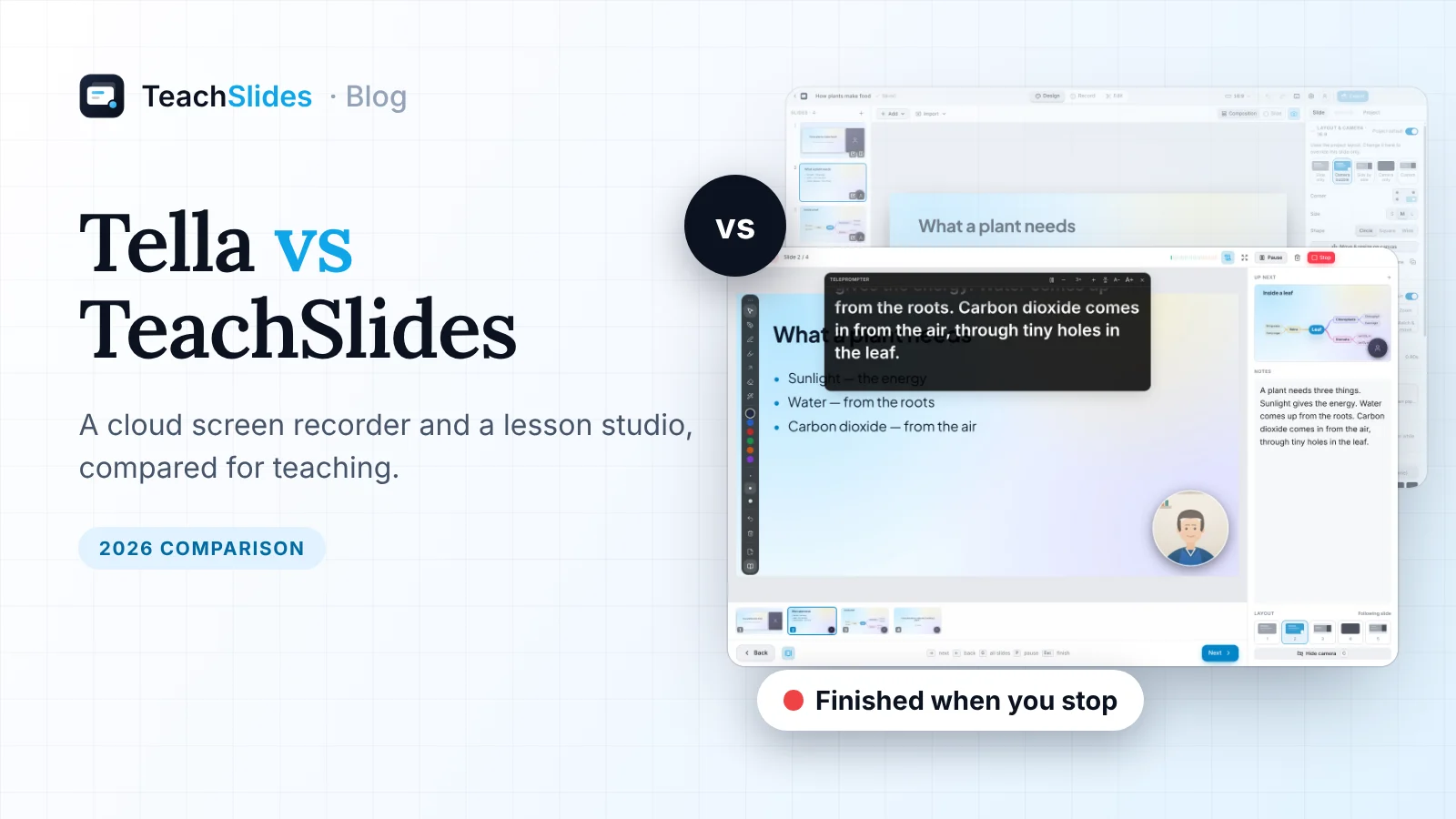
Tella and TeachSlides both promise the same thing: a video that looks produced, with you on camera, without a video editor. They get there from opposite ends. Tella is a screen recorder that makes whatever is on your screen look good and gives you a link to share. TeachSlides is a lesson studio: you build or import your slides, present them on camera, and the video is finished when you stop.
So the honest answer to “which is better” is: it depends on what you record. This guide compares them for teachers, tutors, coaching institutes and course creators, including where Tella is clearly the better choice.
TeachSlides is our app. We’ve tried to describe Tella fairly, and we list our own limits as plainly as Tella’s.
The short answer
- You teach from slidesTeachSlidesSlides, notes, teleprompter and a camera layout per slide, in one app.
- You record product demos or quick tutorialsTellaRecord in clips, change the layout afterwards and share a link at once.
- You’re on a Chromebook or want to record in a browserTellaTeachSlides is a desktop app for Windows, Mac and Linux.
- You also teach liveTeachSlidesStream to YouTube, or show the lesson in Zoom, Meet and Teams.
- You want no subscriptionTeachSlidesOne payment of $149, and the free version has every feature.
Tella vs TeachSlides at a glance
Scroll sideways to see every column
| Tool | Best for | Works on | Price | Free option | Slides | Recordings live | Captions | Live streaming |
|---|---|---|---|---|---|---|---|---|
| TeachSlides | Slide lessons, courses, live classes | Windows, Mac, Linux | $149 once | Every feature (watermark, 1080p) | Designer, PowerPoint and PDF import, AI planning | Your own computer | Yes, 16 styles, 99 languages, on device | Yes: YouTube, Facebook, Twitch, RTMP |
| Tella | Product demos, tutorials, async updates | Browser, Mac, Windows, Chrome | From $13/user/mo (annual) | Free trial | Import or screen-share your deck | Tella’s cloud, shared by link | Yes, AI subtitles | No |
Feature by feature
Scroll sideways to see every column
| Feature | Tella | TeachSlides |
|---|---|---|
| Make the slides | No: record a deck from another app | Yes: designer, templates, PowerPoint and PDF import |
| AI lesson planning | AI features for the video (credits) | Yes: plan a lesson in chat, then build the slides |
| Speaker notes and teleprompter per slide | No | Yes, seen only by you |
| Camera layout | Change it after recording | Set per slide; switch live with keys 1–5 |
| Record in parts | Yes: clips you can redo | Yes: re-record any one slide |
| Writing and drawing | No | Yes: pens, highlighter, whiteboard pages, tablet as a pen |
| Interactive content | No | Yes: live mind maps, turnable 3D, sliders in animations |
| YouTube clips inside the lesson | No | Yes, playing inside the slide |
| Filler-word removal | Check Tella’s editor | Yes, word by word, on your computer |
| Captions | Yes, AI subtitles | Yes: 16 animated styles, 99 languages, burned in or .srt/.vtt |
| Reels and Shorts | Check Tella’s export options | Yes: 9:16, 1:1 and 4:5 from the same take, each with its own layout |
| Export quality | Up to 4K (Pro), 60 fps (Premium) | Up to 4K at 60 fps (Pro); 1080p free |
| Share link and analytics | Yes | No: MP4 or YouTube upload |
| Live streaming | No | Yes: YouTube, Facebook, Twitch, any RTMP |
| Use in Zoom, Meet or Teams | No | Yes: TeachSlides Camera and a share window |
| Works offline | No: recordings upload to the cloud | Yes, after setup |
| Platforms | Browser, Mac, Windows, Chrome | Windows 10 and 11, Mac (Apple chip), Linux |
| Price | From $13 per user a month (annual) | $149 once; free version with every feature |
TeachSlidesBest for lessons built from slides, with you on camera
This is our app. We’ve described its limits as plainly as everyone else’s.
- Platforms
- Windows 10 and 11, Mac with Apple chip, Linux 64-bit (desktop app)
- Free plan
- Every feature, up to 25 videos of up to 5 minutes, with a small watermark and exports up to 1080p
- Price
- Pro $149 once, taxes included, no subscription
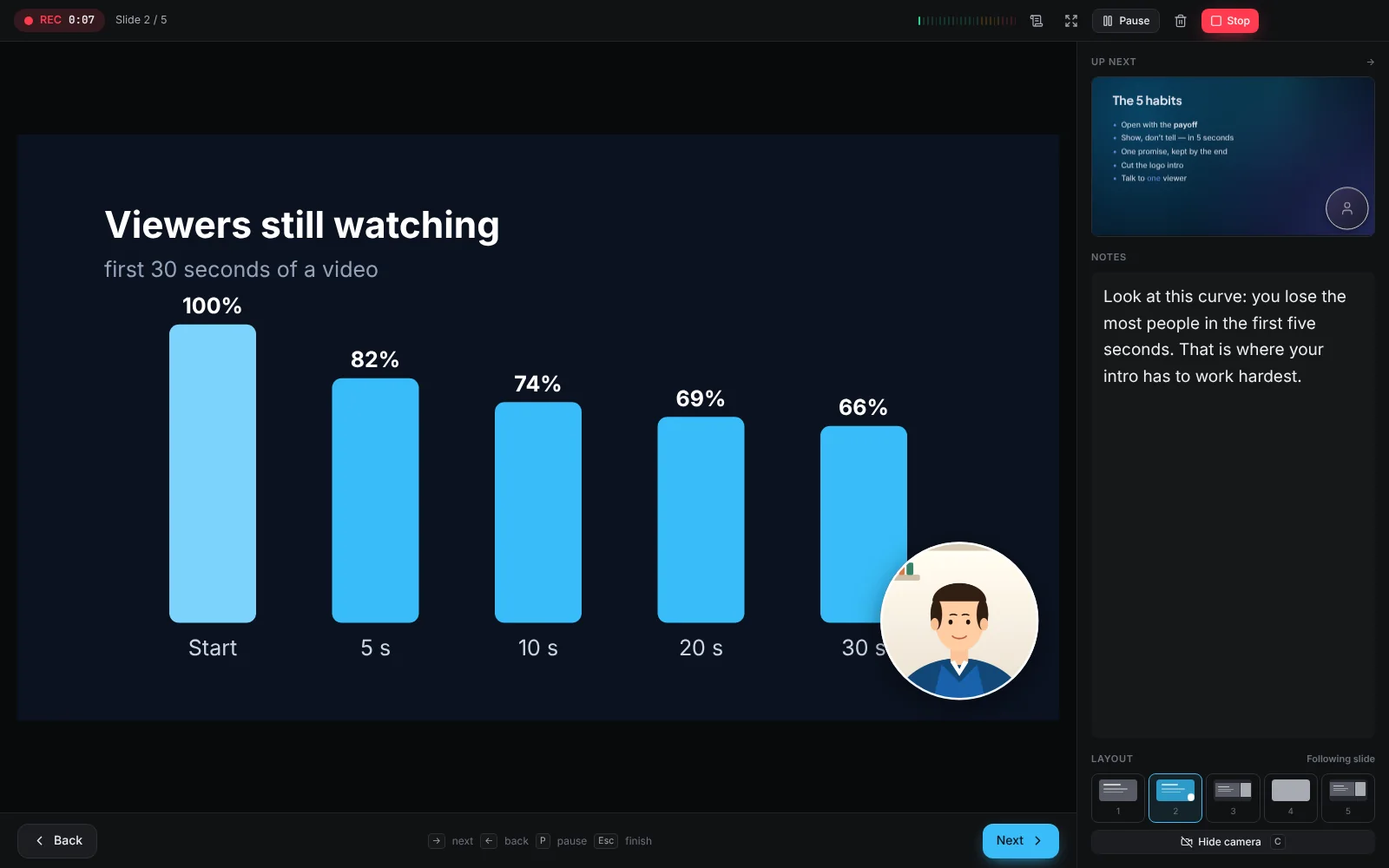
TeachSlides starts from the lesson rather than the screen. You plan it with AI, build it in the slide designer or import your PowerPoint as editable slides, and then present it on camera. Each slide carries its own camera layout, notes and teleprompter script, so as you move through the deck the video moves between you, your slides, a screen share, a YouTube clip or a whiteboard page, with nothing to edit afterwards.
When you stop, the video is already cut at every slide change. You can remove filler words, tighten pauses, add one of 16 caption styles and export 16:9, 9:16, 1:1 and 4:5 versions of the same take, up to 4K at 60 fps. Speech-to-text runs on your own computer in 99 languages, so it works offline and nothing is uploaded.
It also teaches live: stream to YouTube, Facebook, Twitch or any RTMP server, show the lesson in Zoom, Meet or Teams through TeachSlides Camera, or put it on a projector while your notes stay on the laptop. What it doesn’t do is host your videos: you get an MP4 or a YouTube upload, not a share link with analytics.
Why teachers like it
- Slides, notes and camera layouts in one app, with AI planning and PowerPoint import
- A finished video when you stop: cuts at every slide change
- Live streaming, a virtual camera and a projector window
- Captions and transcripts on your own computer, in 99 languages
- One payment; the free version has every feature
Watch out for
- Desktop only: no Chromebook or browser version
- No hosted share links or viewer analytics
- Free videos carry a small watermark and stop at 1080p
- Built for lessons from slides rather than quick screen clips
TellaBest for polished screen demos you share as a link
- Platforms
- Web (any browser), Mac and Windows apps, Chrome extension
- Free plan
- A free trial; check Tella’s pricing page for current terms
- Price
- Pro $13 and Premium $19 per user a month, billed annually (Tella’s pricing page, October 2026)
Tella is a cloud screen recorder built for good-looking screen videos: product demos, tutorials, course walkthroughs and async updates. You record in a browser tab, the Chrome extension or the Mac and Windows apps, and the video lives in your Tella library with a link you can share straight away.
Its big idea is recording in clips. Instead of one long take, you record a few short ones, redo any of them, and Tella joins them for you. Your screen and your camera are kept apart, so after recording you can still change the layout: camera in a bubble, side by side, screen only, or you full frame. Zooms, backgrounds, trims and automatic subtitles finish it off, and paid plans add viewer analytics, a custom domain and removal of Tella’s branding.
For teaching from slides, Tella treats your deck like anything else on screen: you share it or present it, and Tella records what it sees. It has no slide editor, no speaker notes or teleprompter tied to each slide, and no live streaming. Recordings are uploaded to Tella’s cloud, which is what makes the instant links possible.
Why teachers like it
- Runs in the browser and on Mac, Windows and Chrome
- Record in short clips and redo just one
- Change the camera layout after recording
- A share link with analytics as soon as you finish
- Exports up to 4K on Pro; 60 fps on Premium
Watch out for
- A subscription per user
- No slide editor, notes or teleprompter per slide
- Recordings are stored in Tella’s cloud
- No live streaming or virtual camera for Zoom and Meet
Where Tella is the better choice
- You want to record in a browser. Tella works in any modern browser, Chromebooks included, and has Mac and Windows apps. TeachSlides is a desktop app for Windows, Mac and Linux.
- You need a link the moment you stop. Tella hosts the video, so you can paste a link into Slack, an email or your LMS straight away, and see who watched.
- Your videos are screen-first. Software walkthroughs, product demos and code reviews are what Tella is designed for: zooms, clips and a tidy layout around whatever you’re showing.
- You work in a team. Shared workspaces, comments and a custom domain are built around a team subscription.
Where TeachSlides is the better choice
- Your lesson is a deck. You can plan it with AI, design it, or import years of PowerPoint slides as editable slides, then present it. Notes and the teleprompter come from each slide, so you keep looking at the camera.
- You want the video finished when you stop. Every slide change is a cut, each slide brings its own camera layout, and captions, filler-word removal and pause-tightening are a click each.
- You explain by writing. Maths, physics and languages often need handwriting. TeachSlides has pens over any slide, whiteboard and notebook pages, and a tablet can be your pen.
- You teach live as well as recorded. Go live on YouTube, Facebook or Twitch, or appear in Zoom, Meet and Teams as TeachSlides Camera, from the same lesson. See OBS vs TeachSlides for studio set-ups.
- Privacy or bandwidth matters. Recording, editing and speech-to-text happen on your computer. Nothing is uploaded unless you publish it.
- You’d rather pay once. A school or a solo teacher pays $149 once for Pro, and can use every feature free before deciding.
Price over two years
Tella’s pricing page lists Pro at $13 and Premium at $19 per user a month, billed annually. Over two years that is about $312 for Pro or $456 for Premium for one person, and multiplies with each teacher. TeachSlides Pro is $149 once, with updates for the 1.x versions included; the free version has every feature with a small watermark and 1080p exports.
Using both
They don’t have to compete. Plenty of course creators use a cloud recorder for quick replies and a lesson tool for the course itself. If you already pay for Tella, TeachSlides can handle the slide lessons and live classes while Tella keeps the demos and async updates. And if you record a Tella video of a TeachSlides lesson, use the presenter’s Share window, which shows only the slides and your camera, never your notes.
The bottom line
Choose Tella if you record your screen more than you teach from slides, you need instant share links, or you’re on a Chromebook. Choose TeachSlides if your lessons start as slides, you want finished videos without editing, you teach live as well, or you’d rather keep recordings on your own computer and pay once.
The quickest way to decide is to record the same five-minute lesson in both. You’ll know within an hour which one you want to use every week.
Frequently asked questions
Is TeachSlides a good Tella alternative for teachers?
Yes, if you teach from slides. TeachSlides adds what a screen recorder doesn’t have: a slide designer with PowerPoint import, notes and a teleprompter per slide, camera layouts that change with each slide, handwriting, live streaming and captions made on your computer. Tella is the better pick on a Chromebook, or when you need hosted share links and viewer analytics.
Does Tella have a free plan?
Tella offers a free trial; third-party listings disagree about a lasting free plan, so check Tella’s pricing page. Its pricing page lists Pro at $13 and Premium at $19 per user a month, billed annually. The TeachSlides free version has every feature, with a small watermark and exports up to 1080p.
Can I use my PowerPoint slides?
In TeachSlides, drop a .pptx file in and each slide arrives as an editable slide, with text, pictures, shapes, tables and speaker notes (which become the teleprompter). PDF decks from Keynote, Google Slides or Canva come in as picture slides. In Tella, you present your deck in PowerPoint or a browser tab and record the screen.
Which one works offline?
TeachSlides records, edits, transcribes and exports on your own computer, so it works without internet once it’s set up. AI planning, YouTube clips, publishing and live streaming need a connection. Tella uploads recordings to its cloud, so it needs one.
Can I go live with Tella or TeachSlides?
TeachSlides can stream the lesson to YouTube, Facebook, Twitch or any RTMP server, and can appear in Zoom, Meet and Teams as TeachSlides Camera. Tella is for recorded videos and doesn’t stream live.
Does TeachSlides work on a Mac?
Yes. TeachSlides runs on Macs with an Apple chip (M1 or newer), as well as Windows 10 and 11 and 64-bit Linux. Tella works in a browser and has apps for Mac and Windows.
Sources
Checked in October 2026:
- Tella: pricing, features, screen recorder, Chrome extension
- Tella listings: Capterra, GetApp
- TeachSlides: features, pricing
First published ; last checked and updated . Prices and plans change often, so check each vendor’s site before you buy.